FAQ
Your Questions, Answered
From session transfer and terminal compatibility to reporting, support and deployment.
Frequently Asked Questions
Everything operators need to know about QTECH Hybrid, from session transfer and terminal compatibility to reporting, support and deployment.
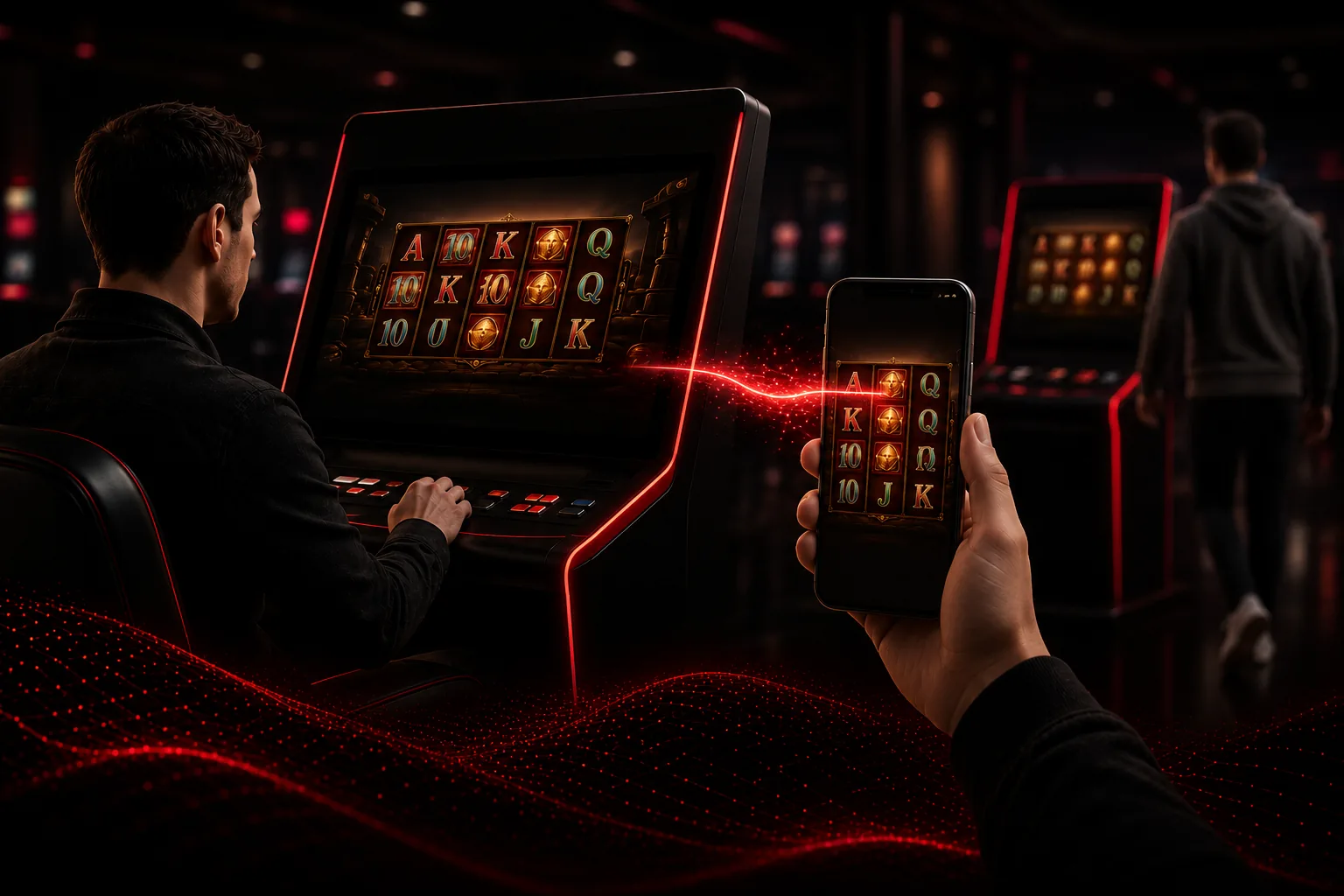
QTECH Hybrid is a platform that connects retail and online gaming into one continuous player experience. Players start a session on a retail terminal and continue it on their own mobile device without interruption.
Traditional retail gaming ends when a player leaves the venue. With Hybrid, the player continues their session on mobile while the terminal immediately frees up for the next customer. The player keeps playing, and the terminal keeps earning.
The player scans a QR code displayed on the retail terminal. Their session transfers securely to their mobile device with no lost progress. The terminal then returns to the Hybrid lobby, ready for a new player.
No. QTECH Hybrid runs directly in the mobile browser, so players never need to download an app.
Yes. Demo environments are available. Operators can request a test account by contacting hybrid@qtechgames.com.
RelatedSee how launching works
Hybrid uses an online guide that is kept updated. PDF documentation can be generated if required, but the online guide is the preferred source.
When a player leaves the venue, their session continues on their own mobile device and can keep generating revenue, while the retail terminal becomes available for a new player. One session continues, another begins — unlocking more revenue from the infrastructure operators already own.
The player experience doesn't have to stop when they leave the venue. Their session continues on mobile while the terminal is immediately available to serve another player — creating more active sessions, better terminal utilization, and more value from the same retail footprint.
Retail gaming operators, casino groups, sports betting operators, franchise gaming networks, land-based operators expanding into online gaming, and operators in high-growth markets looking to scale more efficiently.
Yes. Because Hybrid connects retail and online gaming, operators can keep engaging players beyond opening hours and outside the physical venue — a more resilient business model that extends the value of the retail operation.
In many cases, yes. Existing terminals can typically be used if they support touchscreen operation, are mounted in landscape mode, run the latest Google Chrome browser, and have a stable internet connection. Final compatibility is confirmed during technical onboarding.
RelatedRun Technology Test
No. QTECH Hybrid is hardware-independent. We can recommend compatible terminal models that operators source locally.
No. SAS is an older terminal protocol and is not part of the QTECH Hybrid architecture, which is built around modern browser-based connectivity, online gaming infrastructure, and mobile-first session continuity.
Hybrid is designed around digital and cashier-supported payment flows rather than traditional bill acceptors. Mobile payments and cashier workflows can be supported depending on the operator setup.
Hybrid can support POS devices that run Chrome and can print tickets in the required format (typical ticket format 80 (72.1) x 297 mm). Compatibility is verified during onboarding.
Yes. Operators can control which games appear on terminals based on game provider, game category, selected games, venue, and terminal.
Yes. Game volatility is visible in the game list, allowing operators to assign games with the desired volatility profile to specific venues or terminals.
Yes. QTECH Hybrid includes a Distribution Engine that allows operators to manage agents, sub-agents and players across multiple levels. Each player belongs to a clear ownership chain, making it easier to track performance, commissions and responsibility.
RelatedVisit the Agent Network page
Yes. Agents can receive their own branded player portal with a unique URL, custom branding and secure access. This allows agents to recruit and manage players under their own branded experience while the operator remains in control.
Yes. Operators can configure commission percentages at different levels of the agent hierarchy. Hybrid calculates commission settlement automatically and provides reporting for finance and reconciliation.
Yes. Hybrid uses role-based permissions and scoped visibility so each user only sees the part of the network they are allowed to manage.
Yes. Operators can track GGR, NGR, player counts, payouts and commission performance across the entire agent network.
Yes. Hybrid uses secure authentication, encrypted communication, role-based permissions, and activity logging. User access can be restricted by role, and operational activity is logged to support accountability.
Hybrid includes operational and financial reporting such as user cash movements, player cash movements, player game revenue, settlement reports, reconciliation reports, and withdrawal reports.
Yes. Operators can set up promotional campaigns such as registration bonuses, voucher deposit bonuses, and free round campaigns. Wagering requirements are planned for future development.
Hybrid supports global jackpots, but configurable jackpot settings per venue or region are not currently available through the Hybrid back office.
Tournament functionality may be supported in specific configurations, but self-service tournament setup is not currently available through the Hybrid back office.
QTECH Hybrid provides 24/7 customer support in English and Chinese. European time-zone support may also include Spanish and Ukrainian.
Hybrid has a reported uptime of approximately 99.96%.
Hybrid works entirely through modern web technology. For online operators, only a modern web browser is required. For retail operators, compatible Chrome-based touchscreen terminals are supported.
Yes. Run our free Technology Test from your terminal or computer. The test automatically verifies whether your device meets the requirements for Hybrid.
- Browser Tested
- Hardware Tested
- Performance Tested
Run Technology Test
Takes less than 30 seconds. No installation required.
The test verifies browser compatibility, touchscreen support, display resolution, performance, internet connectivity, and hardware requirements. After completing the test, simply copy the results and send them to our team if you need assistance.
Run the Hybrid equipment test page directly on your terminal or POS device at https://hybrid.qthybrid-demo.com/test-req.
No problem. Our team will recommend the simplest upgrade path or compatible hardware options.
A stable broadband connection is required. For live streaming games and the best player experience, we recommend approximately 100 Mbps per device.
Still Unsure If Hybrid Fits Your Business?
Run the Technology Test to check your hardware in under 30 seconds — or book a personalised demo and talk it through with our team.